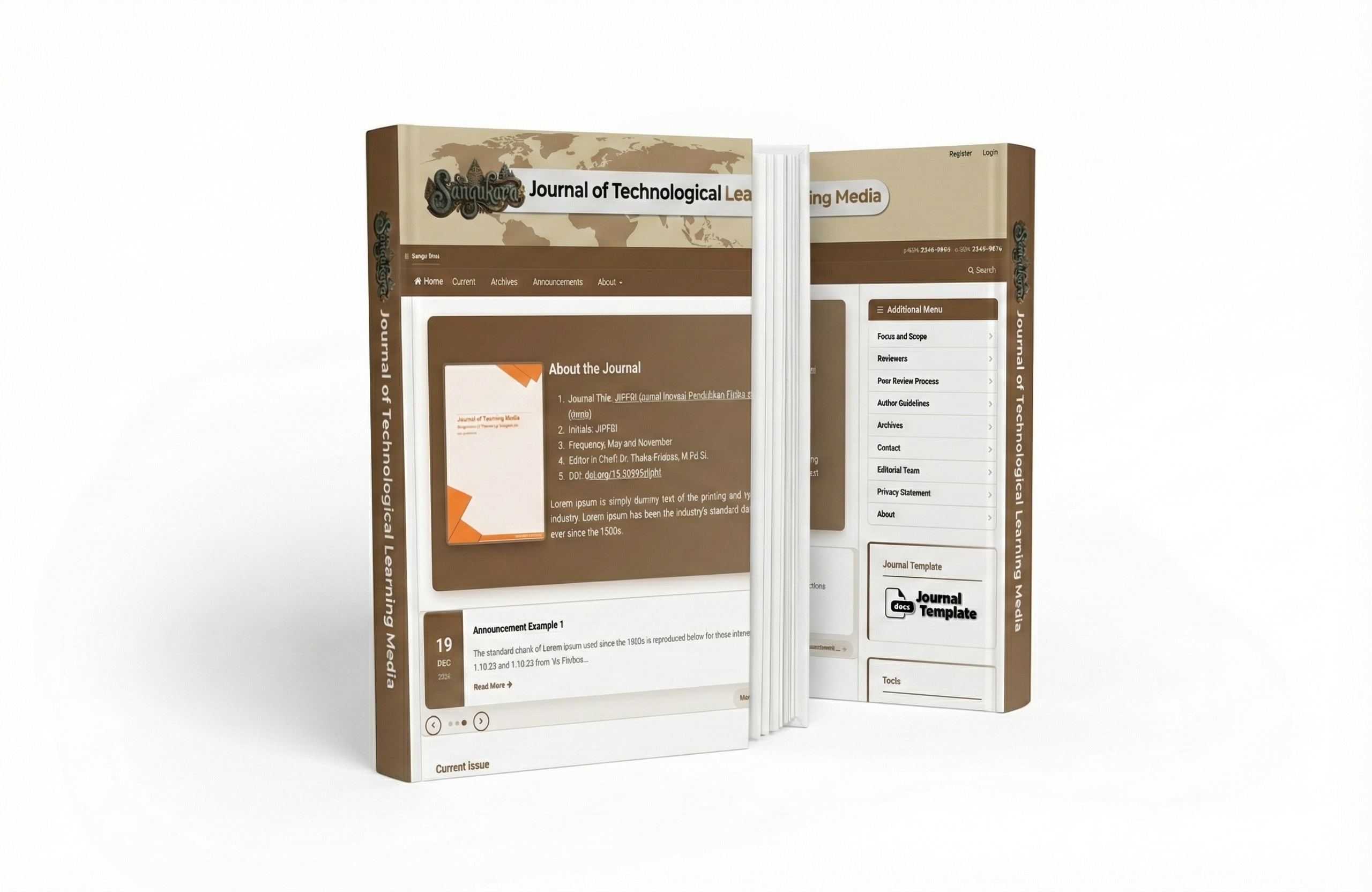
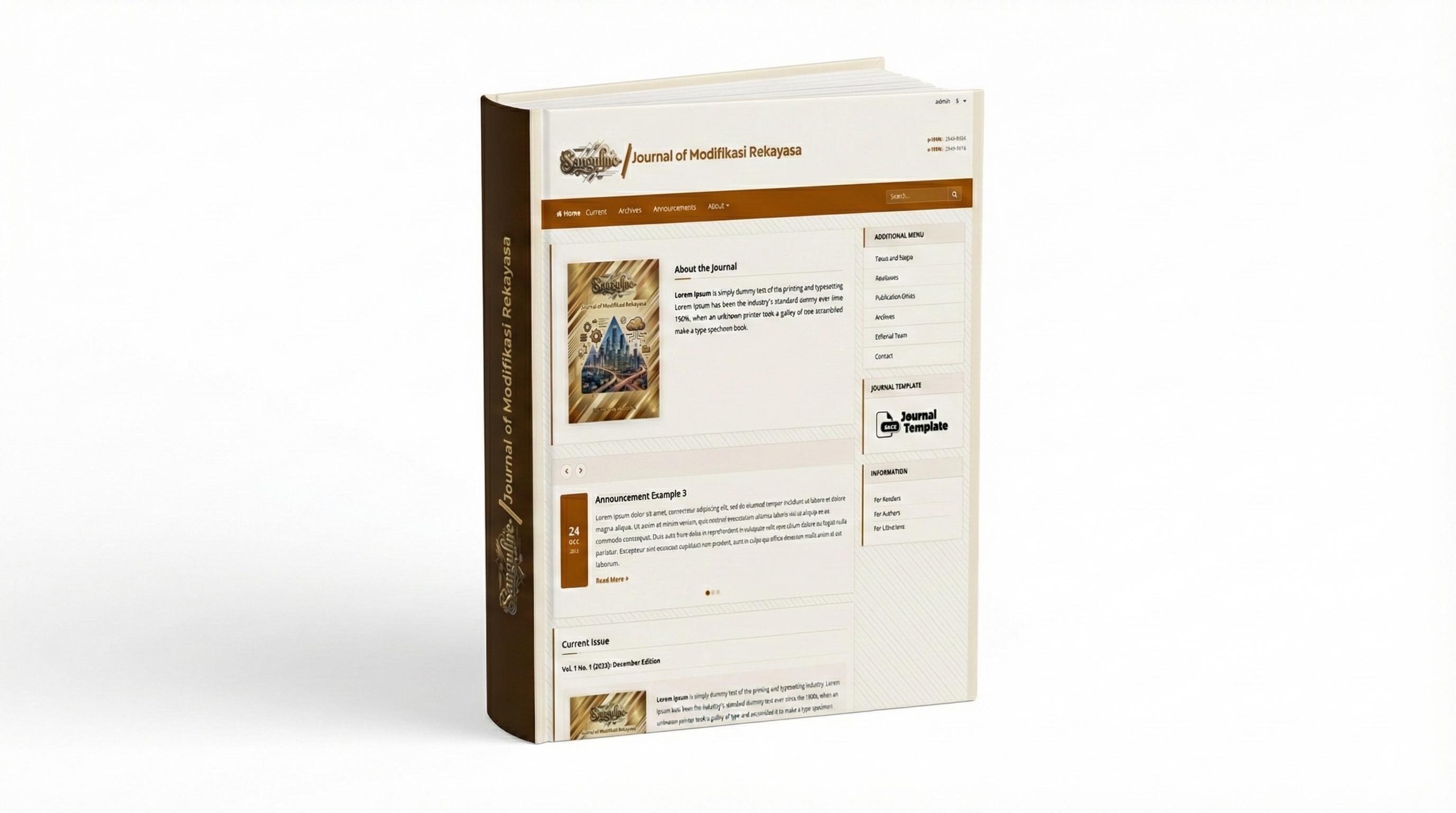
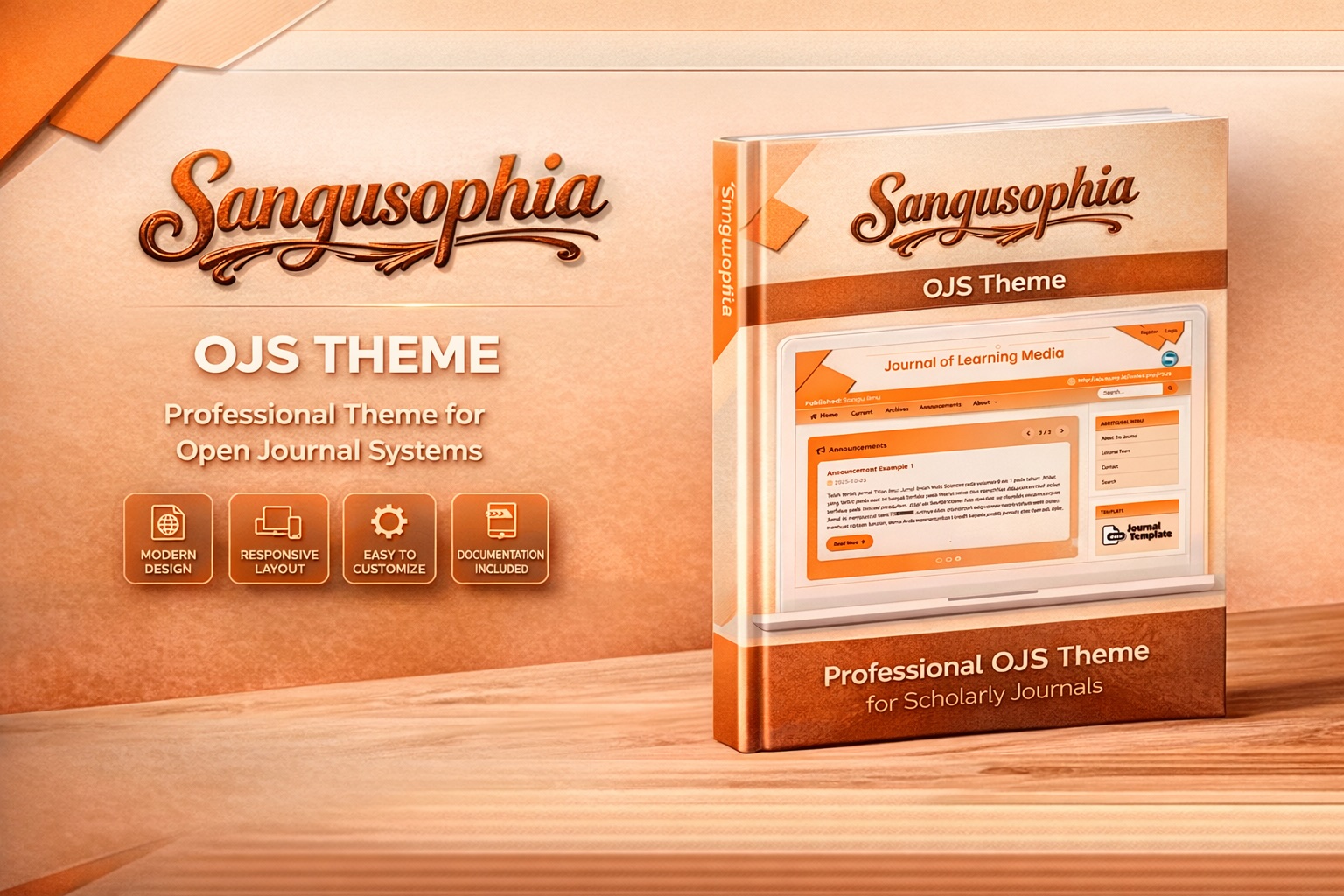
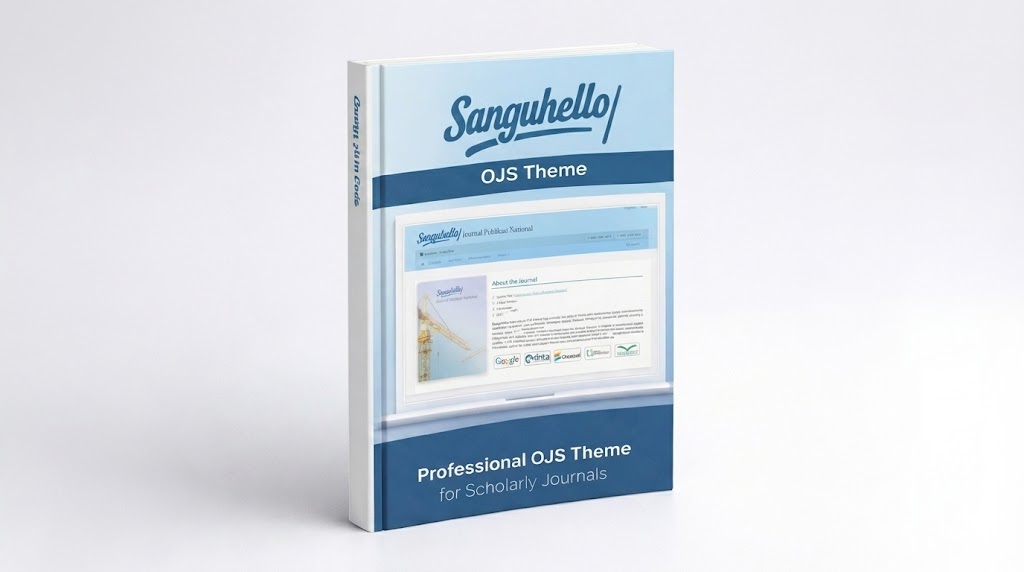
Sanguhello
Berlaku untuk satu website OJS. Setelah pembelian, Anda mendapatkan license key untuk aktivasi tema.
Kompatibilitas OJS
Harga
Uji kompatibilitas sebelum membeli
Apa yang termasuk
- Unduh file tema (.zip)
- Update & dukungan seumur hidup
Deskripsi
A professional, premium theme for Open Journal Systems (OJS) 3.4 with enhanced features and improved user experience.
Overview
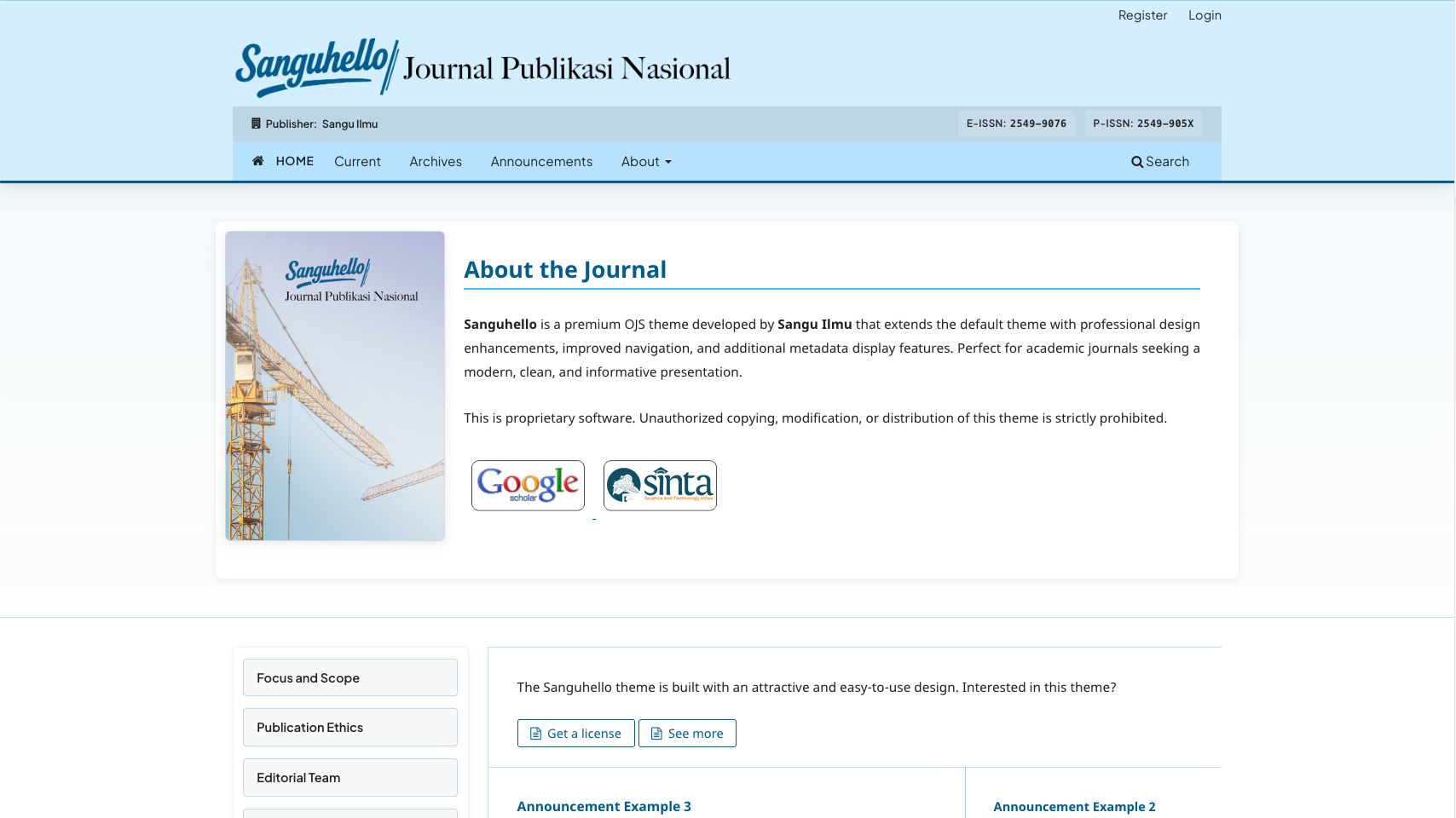
Sanguhello is a premium OJS theme developed by Sangu Ilmu that extends the default theme with professional design enhancements, improved navigation, and additional metadata display features. Perfect for academic journals seeking a modern, clean, and informative presentation.
License & Activation
This is a premium theme that requires a valid license key to unlock all features. The license is only for 1 journal on the domain (journal address) that was first registered (the license cannot be transferred to another domain even if the journal name is the same).
License Tiers
| Feature | Free | Licensed |
|---|---|---|
| Basic Theme | ✅ | ✅ |
| Typography Options (Noto, Lato, Lora, Roboto, Poppins, Plus Jakarta Sans) | ✅ | ✅ |
| Sidebar Navigation Menu | ✅ | ✅ |
| Sidebar Hover Style Options | ✅ | ✅ |
| Article Statistics (Views/Downloads) | ✅ | ✅ |
| DOI Display on TOC | ✅ | ✅ |
| Archive Page Grid Layout | ✅ | ✅ |
| Primary Color Customization | ❌ | ✅ |
| Base (Header) Color Customization | ❌ | ✅ |
| Homepage Image Size | ❌ | ✅ |
| Custom Footer Watermark | ❌ | ✅ |
| Announcement Slider | ❌ | ✅ |
Obtaining a License
Purchase a license at shop.sanguilmu.com to unlock all premium features.
Activating Your License
- Go to Website > Appearance > Themes
- Select Sanguhello Theme
- Enter your license key in the License Key field
- Save changes
- A green checkmark will confirm successful activation
Key Features
Professional Design
- Modern, clean interface with customizable color scheme
- Left-positioned sidebar for better content hierarchy
- Card-based design with subtle shadows and rounded corners
- Multiple typography options (Noto Sans, Noto Serif, Lato, Lora, Roboto, Poppins, Plus Jakarta Sans)
- Responsive layout for all devices
- Primary color accent border on header (global)
Article Detail Page
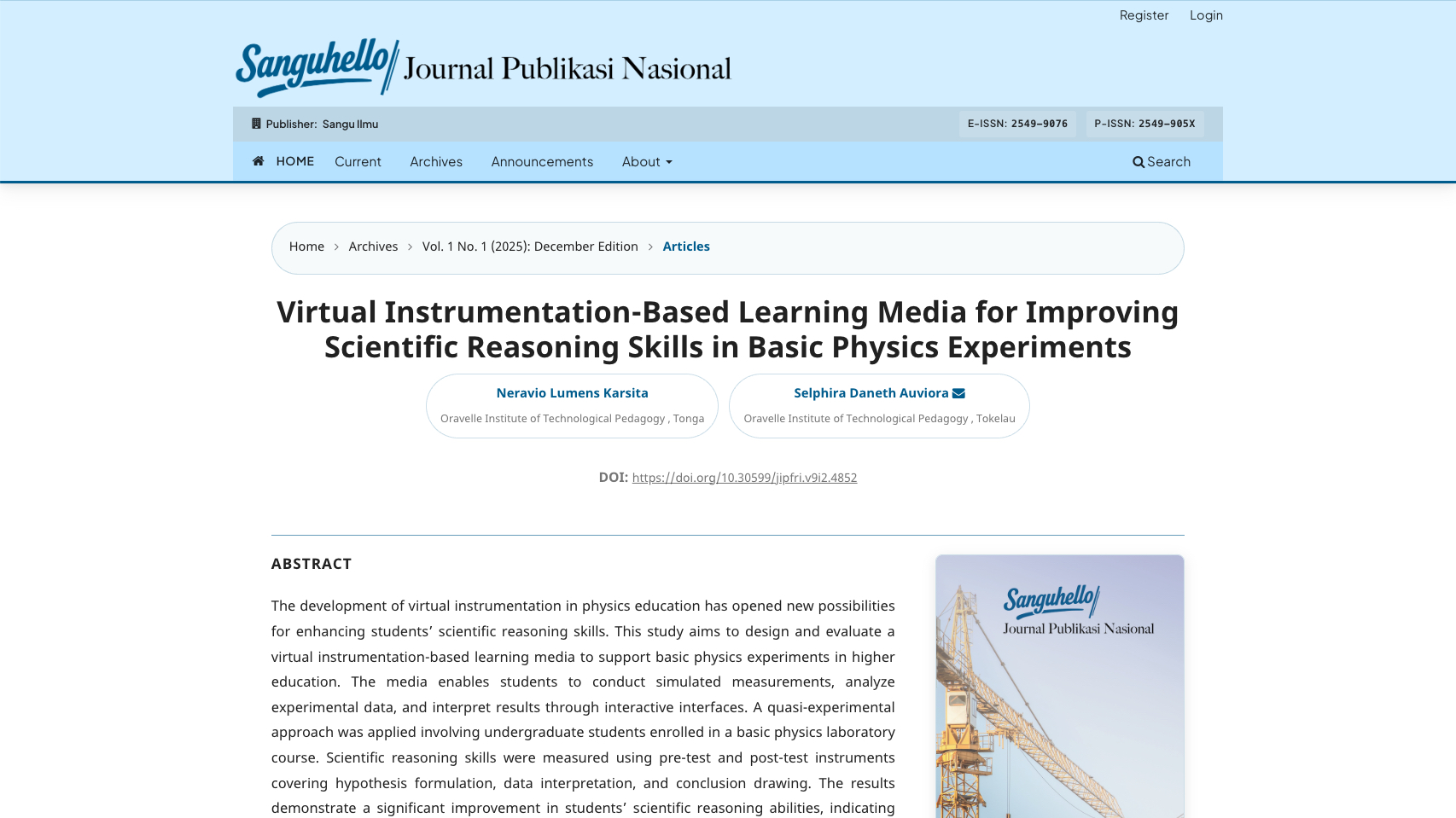
- Clean 2-Column Layout: Main content on left, metadata sidebar on right
- Cover Image Display: Article/Issue cover in sidebar with fallback
- ORCID Integration: Author ORCID icons displayed next to names
- Keywords Below Abstract: Logical content flow
- PDF Download Buttons: Prominent in right sidebar
- Metadata Cards: Each metadata item styled as individual card
- Citation Display: Clean integration with CSL plugin
Enhanced Article Summary (TOC)
- Article Statistics: Display abstract views and download counts
- DOI Integration: Automatic DOI display with clickable links
- Corresponding Author: Visual envelope icon for primary contact
- Subtle Primary Tint: Card backgrounds with theme color
- Professional Layout: Clean, organized article summaries
Publisher Information
- Header Bar: Display publisher name and ISSN numbers
- Primary Color Border: Consistent accent line across all pages
- Clickable Publisher: Optional URL linking to publisher website
- ISSN Badges: Both electronic (e-ISSN) and print (p-ISSN) formats
- Responsive Design: Adapts to mobile and tablet screens
Full-Width Homepage Intro
- Journal Cover: Display journal cover image with customizable size (Premium)
- About Section: Prominent journal description with theme font applied
- Additional Content: Positioned below current issue
- Professional Layout: Side-by-side cover and description
- Full-Width Design: Breaks out of content constraints for maximum impact
Announcement Display
- List View: Classic list-style announcement display (Free)
- Interactive Slider: Modern card-based slider with auto-play (Premium)
- Navigation arrows and pagination dots
- Touch/swipe support for mobile
- Keyboard navigation
- Pause on hover
- Date badges with elegant styling
Archive Page
- Grid Layout: Card-based issue display
- Hover Effects: Cards lift up on hover
- Cover Images: Full-width with zoom effect
- Description Truncation: Limited to 5 lines
- Modern Pagination: Pill-style buttons
Custom Navigation
- Sidebar Menu Area: Dedicated navigation menu in sidebar (Free feature)
- 5 Hover Style Options: Default, Slide, Glow, Underline, Fill
- Primary Color Integration: Hover effects use theme primary color
- Flexible Configuration: Easy setup through OJS admin panel
- Professional Styling: Button-like menu items with animated hover effects
- Responsive Behavior: Stacks vertically on mobile/tablet devices
Typography Options
- Noto Sans: Default clean sans-serif
- Noto Serif: Elegant serif font
- Noto Sans/Serif Combinations: Headers and body text pairing
- Lato: Popular modern sans-serif
- Lora: Wide-set serif for readability
- Lora/Open Sans: Serif headers with sans-serif body
- Roboto: Google's modern sans-serif font
- Plus Jakarta Sans: Contemporary professional font
- Poppins: Geometric sans-serif font
Theme Options
Free Options
- Typography selection
- Show Abstract Views on TOC
- Show Downloads on TOC
- Show DOI on TOC
- Sidebar Hover Style (5 elegant options)
- Display Stats chart type
Premium Options (requires license)
- Base Color: Header/navbar color
- Primary Color: Links, buttons, and accents
- Homepage Image Size: Small, Medium, or Large cover display
- Custom Footer Watermark: Personalized footer text
Breadcrumbs Enhancement
- Capsule-style breadcrumb items
- FontAwesome chevron separators
- Consistent styling across pages
Installation
Requirements
- Open Journal Systems (OJS) 3.4 or higher
- PHP 8.0 or higher
- Modern web browser
Catatan Perubahan
- fix description style issue,
- remake archive page,
- add announcement slider __________________ 2026-06-04
- fix color pic not show
Rating & Ulasan Customer
Ulasan dari customer yang sudah berhasil membeli produk ini.
1 ulasan publik
Nanang
15 Mar 2026
Tema yang luar biasa, terima kasih
Produk Terkait
Lihat Semua